
Guides
ASPIS beginner guides and practical tips: controls, settings, saving, performance, spoiler-free advice and the mistakes new players make in the first hour.
Introduction
ASPIS drops you into a Soviet research institute with almost no tutorial and no quest markers. The guides section is written for the first two hours: how the control layout works, which settings actually change the experience, how progress is saved, and what the prologue expects before the Institute opens up. It also covers the practical questions players ask on the Steam forums, such as whether mouse inversion works, how flashlight brightness interacts with stealth, and whether the game can be finished on a controller. Where official material is silent we say so instead of inventing numbers, and we separate documented behaviour from player reports so you can judge how much weight to give each tip.
First-Hour Setup Checklist
| Setting or decision | Why it matters | Practical approach |
|---|---|---|
| Look sensitivity and inversion | Default turning speed is slow for chase segments | Set it before the first Guardian encounter; both axes invert separately |
| Field of view | Wider view helps you spot astral windows and exits | Raise it gradually and expect more peripheral motion |
| Brightness and flashlight | Dark rooms drive the stealth tension | Tune so corners are readable without washing out the scene |
| Input device | Full controller support is officially listed | Pick keyboard or gamepad before the first chase and stay with it |
| Documents and terminals | The story is delivered through records, not narration | Read everything; OGAS terminals also act as puzzle surfaces |
| Session length | Official sources give no completion time | Plan around one location per session rather than a chapter count |
First-Hour Topics
Control and Settings Setup
What to fix before the prologue ends
Saving and Session Planning
The least documented system in the game
Prologue Expectations
What the first hour is actually testing
PEP-01 First Contact
The device that changes every later room
Guardian Encounter Rules
Why the obvious response is wrong
Achievements and Endings Planning
How to avoid a second aimless run
Core Mechanics
The guide layer is about the systems that surround the story. Movement, look sensitivity and flashlight brightness are not cosmetic: chase segments and dark stealth rooms punish a bad setup long before they test your aim. Reading is a mechanic in its own right, because documents, records and OGAS terminal text carry the context the game never speaks aloud. Saving is the weakest documented area. Official material does not describe a manual save menu, and player reports describe autosave timing as opaque, so the safe habit is to finish a story beat before quitting. Treat every forum claim about damage, difficulty or completion time as a player report unless the developer or the store page states it directly.
Advantages
The biggest advantage of a written guide for ASPIS is that it can separate three different kinds of information that look identical in a video: what the developer published, what the game shows on screen, and what players merely believe. That distinction matters in a sparse launch window, when forum posts mix genuine bugs with speculation. Text also lets you search for the exact problem you have, whether that is mouse inversion not applying, a missing objective after a cutscene, or uncertainty about whether progress was saved. Finally, a guide can flag the places where doing nothing is correct, such as refusing to spend scarce Makarov ammunition on an enemy the game explicitly says cannot be shot dead.
Challenges
The limitation is the same one that affects the whole wiki: ASPIS launched on October 23, 2026, and the developer has published very little technical documentation. There is no official statement about save slots, difficulty modes, damage values, completion time or chapter count, so any guide that presents those as facts is guessing. Patch behaviour can also change quickly in the first weeks. We therefore date community-derived advice and avoid promising that a workaround will survive the next update. If you need certainty for a timed achievement, test the current build yourself rather than relying on a route recorded during the demo period.
Frequently Asked Questions
Do I need to play the demo to understand ASPIS?+
Does ASPIS support controllers?+
Why does my mouse inversion setting seem ignored?+
Quick Tips
Set brightness before you judge the stealth sections. A room that looks atmospheric in a screenshot can hide the doorway you need, and raising brightness later does not restore the time you lost wandering. Adjust until dark corners still show edges, then leave it alone for the rest of the run so your spatial memory stays consistent.
Read every document you pass, even when the room feels urgent. The story is delivered through records, terminals and scenes rather than a narrator, and several later conversations assume you know what the volunteers agreed to. If you skip a room of paper because a chase is nearby, come back after the pursuit breaks rather than trying to reconstruct the context from memory.
Do not spend Makarov rounds on the Guardian. Official text says the Guardian cannot simply be shot, and ammunition is found in the environment rather than bought. Save rounds for the opponents that can actually be fought, and treat every Guardian encounter as a movement problem involving doors, corners and distance rather than a damage race.
Featured
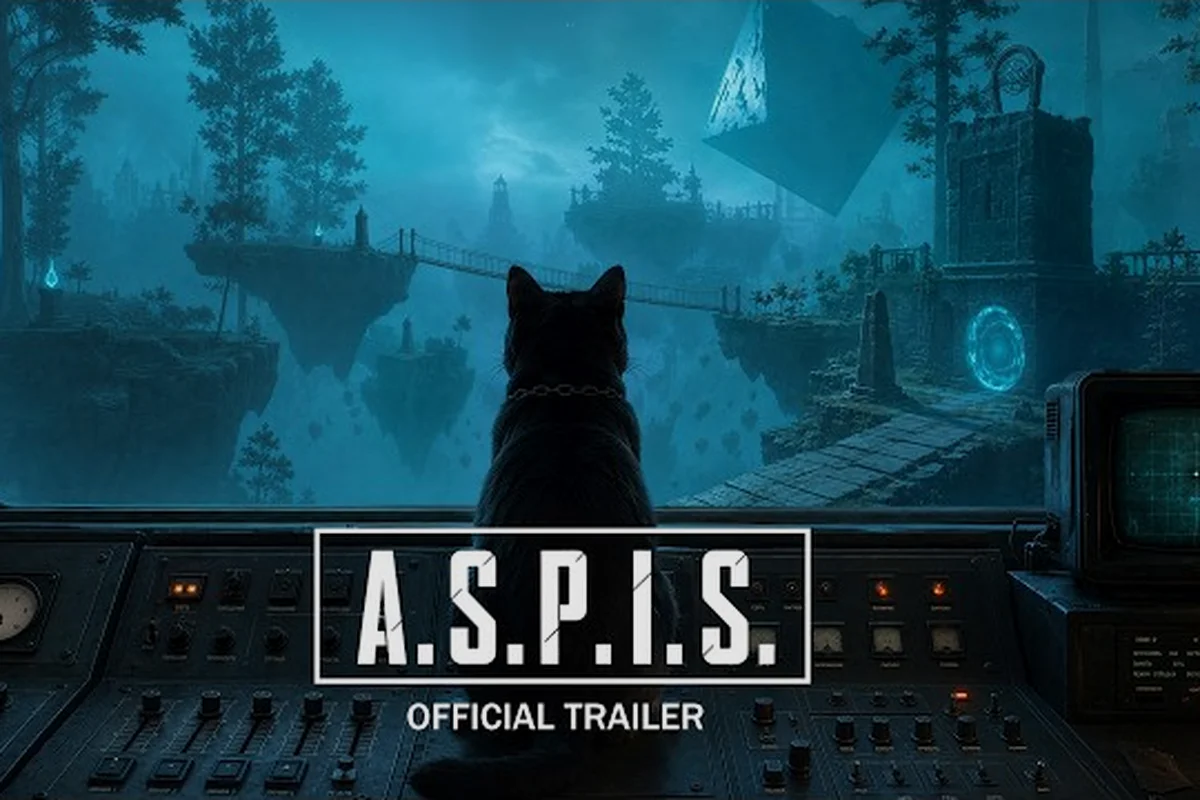
ASPIS Complete Guide: Story, Systems, and Endings
Use this ASPIS complete guide to follow the official story setup, PEP-01 puzzle loop, Guardian encounters and both endings without fabricated numbers.
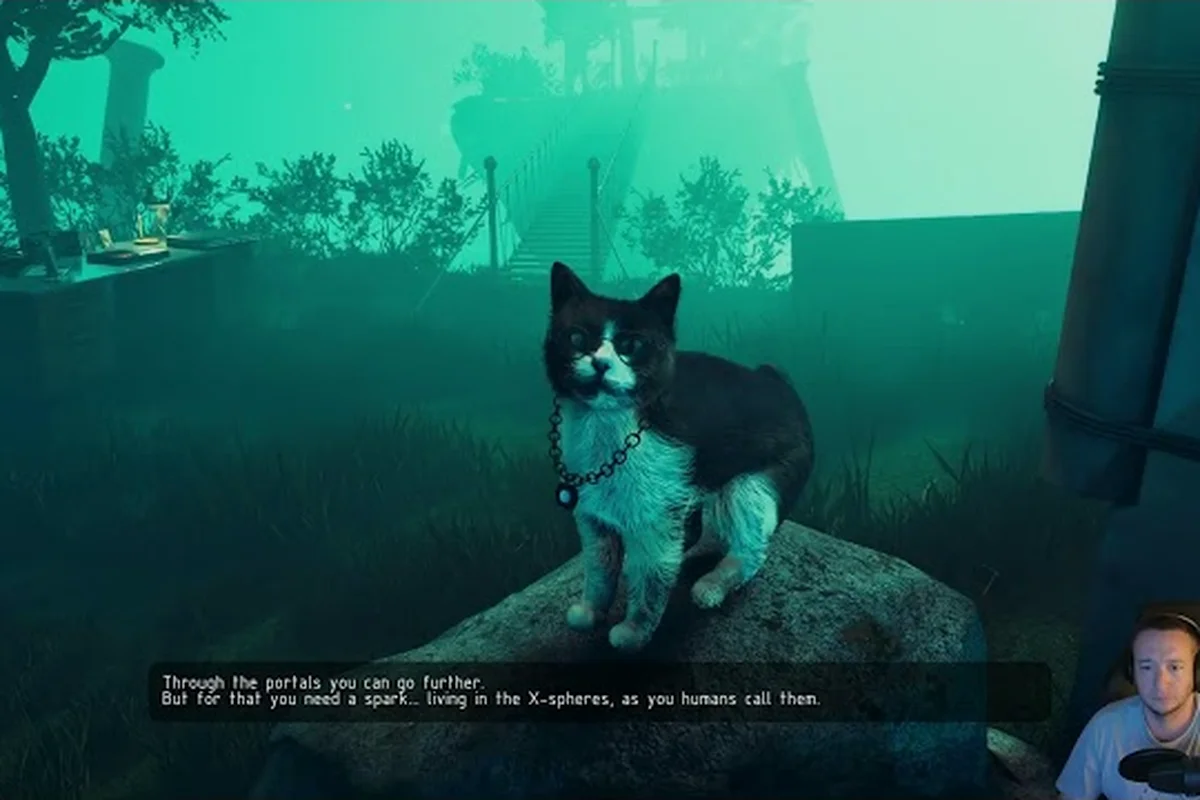
ASPIS Controller Support and Input Settings Explained
ASPIS controller support is listed as full on Steam, and demo notes document X and Y mouse inversion plus a field of view up to 120 degrees.

ASPIS Demo vs Full Game: What Changed Since 2025
Compare the ASPIS demo vs full game using official announcements: the 2025 demo was an extended prologue with up to two hours of gameplay.
All Articles
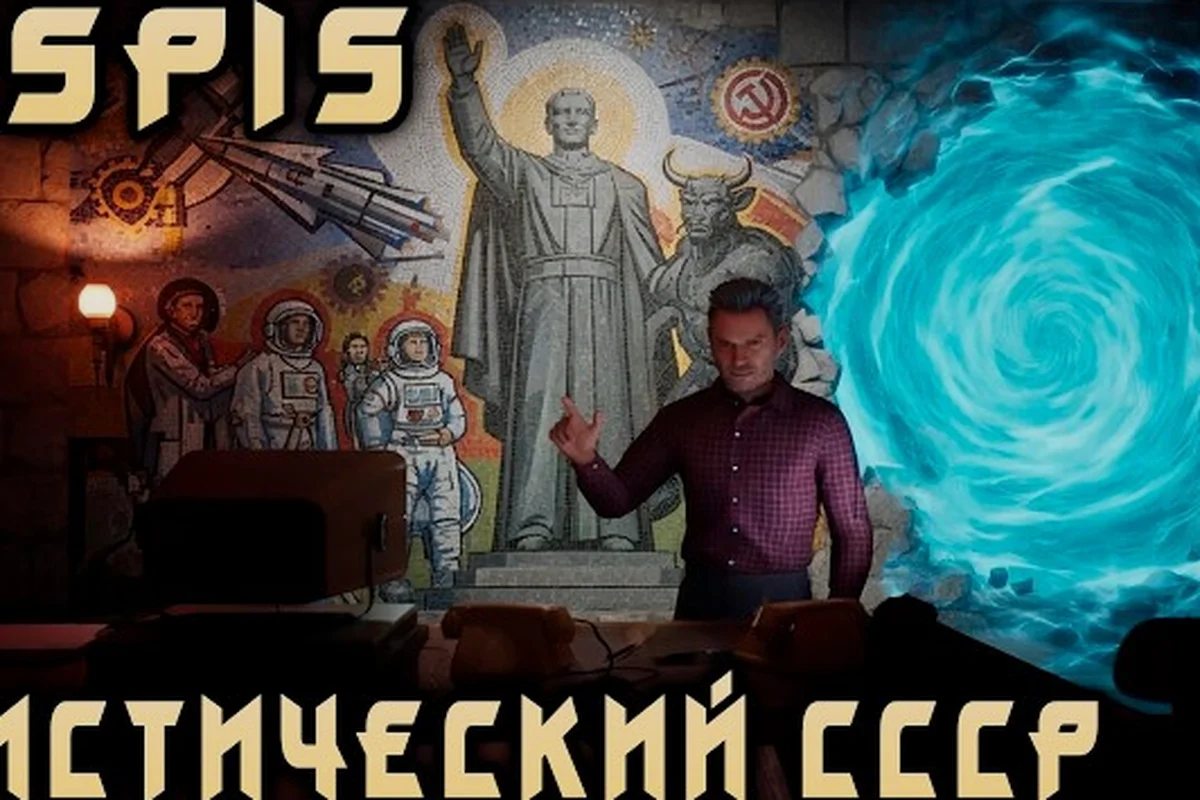
ASPIS Game Guide: Systems, Setting, and First Steps
Start the ASPIS game guide with the official systems: PEP-01, Energy X, astral windows, Guardian chases and the single final choice. No invented stats.
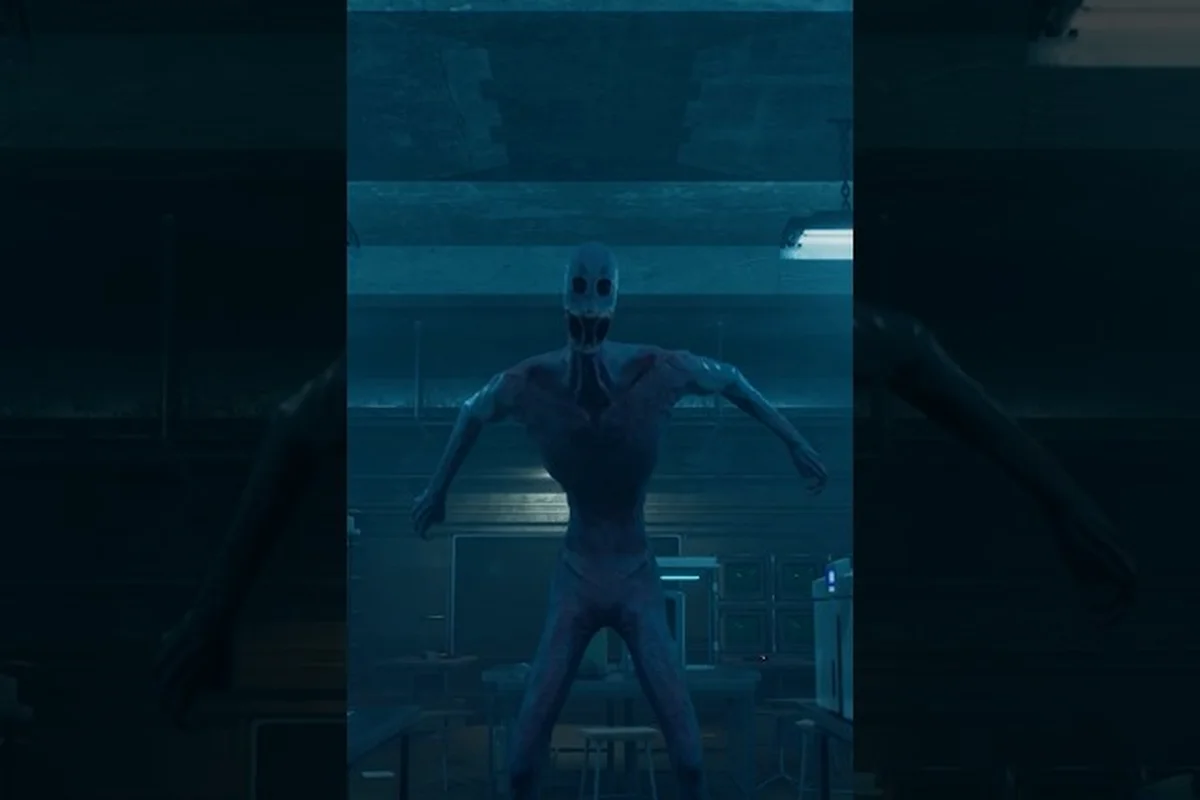
ASPIS Horror Game: Soviet Setting and Content Notes
ASPIS is a narrative-led first-person horror title set in an alternate USSR in 1987. Review its official premise, content notes and core systems.

ASPIS Review: Soviet Horror, Systems, and Reception
Read an ASPIS review of the official premise, PEP-01 puzzles, Guardian chases and launch reception, with community reports clearly labelled.
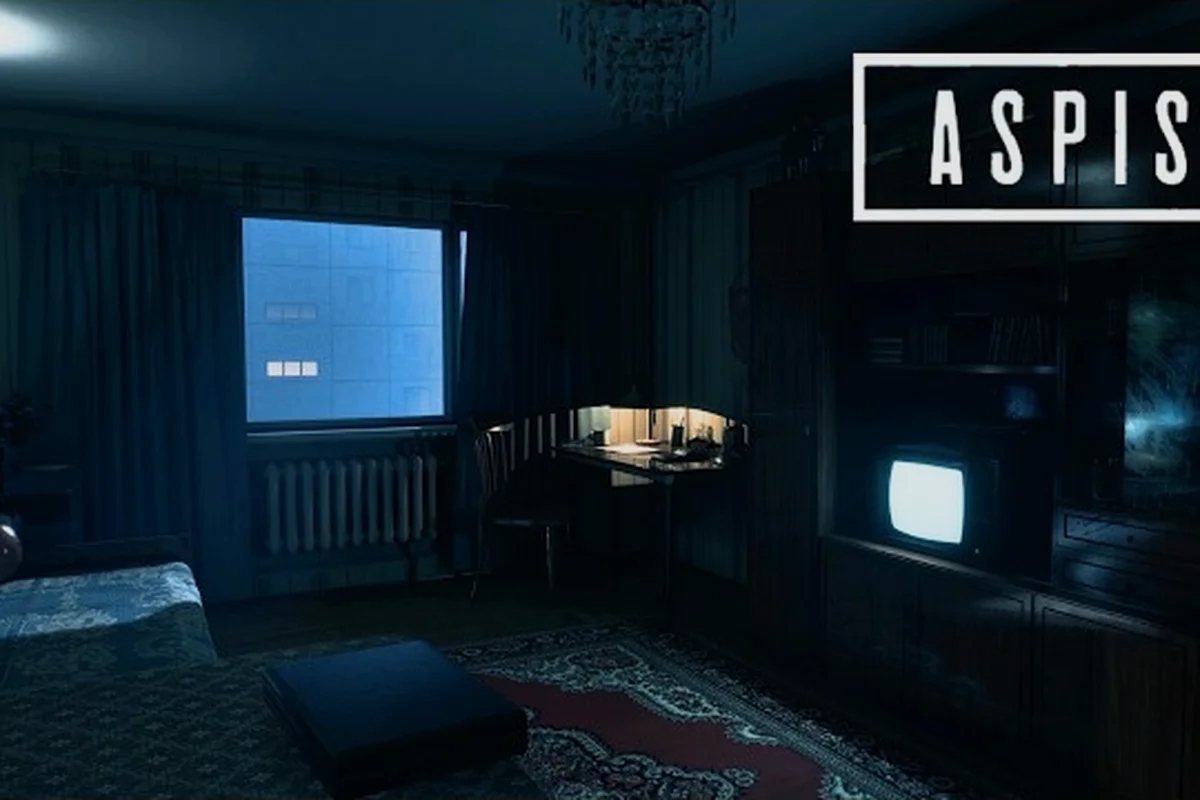
ASPIS Save System: What Is Confirmed and What Is Not
The ASPIS save system is not documented officially. See what the store page, announcements and community reports say, and what remains unconfirmed.
ASPIS System Requirements for Windows 10 and 11
Check the official ASPIS system requirements for 64-bit Windows 10 and 11, plus the platform, input and language details listed on Steam.
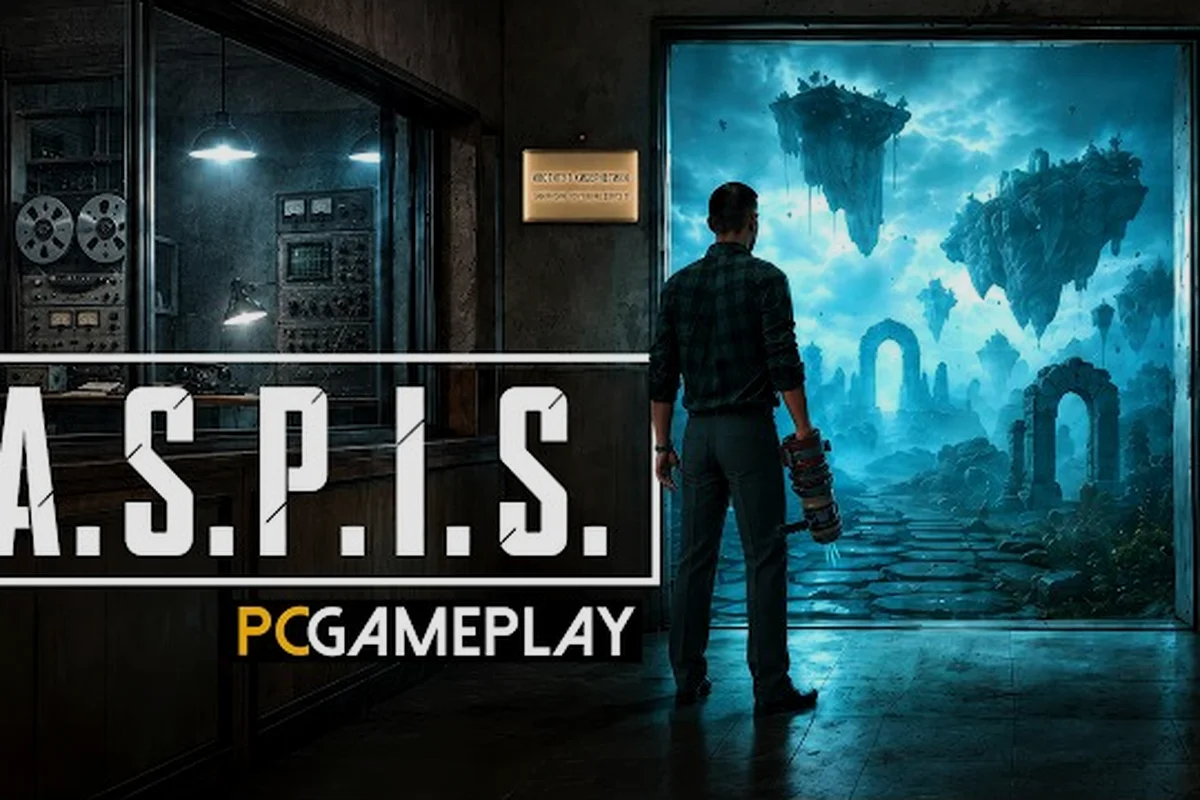
ASPIS Tutorial: Capture, Equipment, and Controls
Learn ASPIS tutorial basics from official updates: capture X-spheres with a button press, use the circular equipment menu and set mouse inversion.
ASPIS What Does ASPIS Stand For? Official Meaning
Find out what does ASPIS stand for, with the official full name and the 1987 setting that gives the acronym its meaning.