
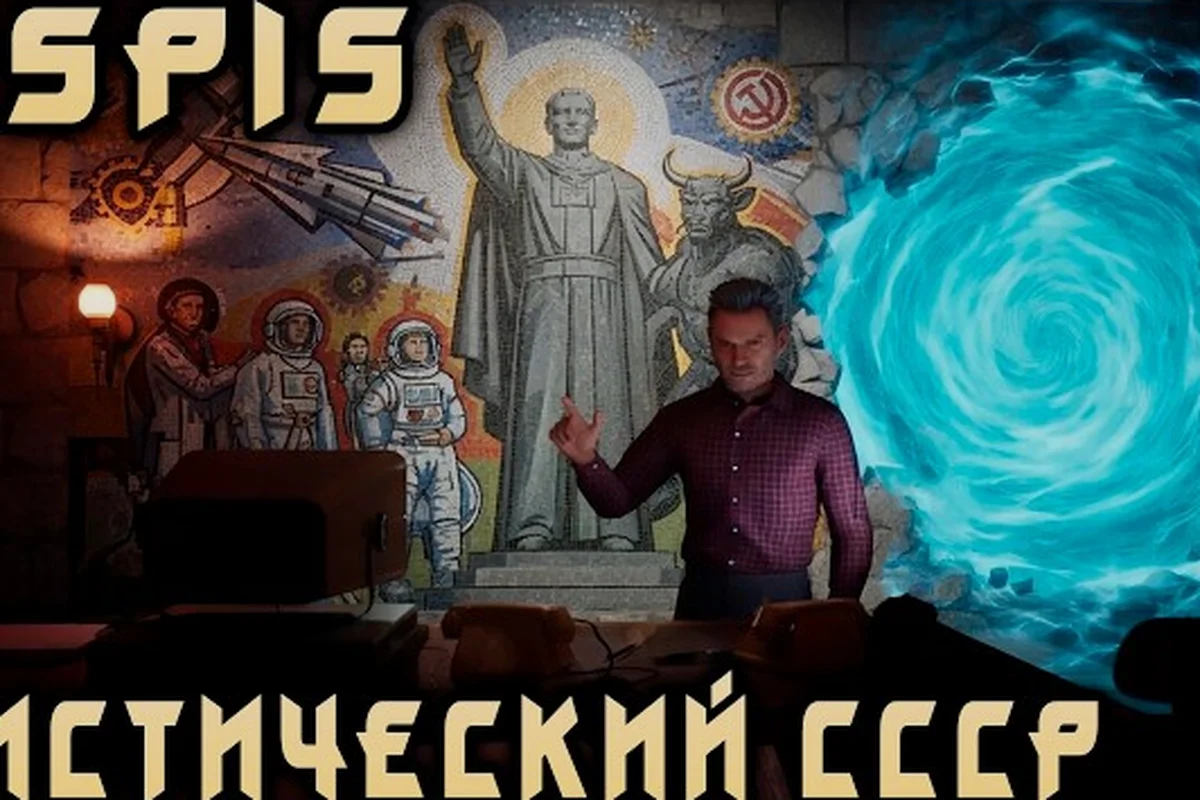
The ASPIS equipment menu matters because it puts weapons, melee options, and other usable gear into a circular selection system that shapes every first-person encounter. Learn the controls, available gear, and practical loadout choices before you enter a hard fight.
ASPIS Equipment Menu Overview
The ASPIS equipment menu is a circular selection interface used to choose equipment while exploring the game world. According to the developer’s pre-launch technical update, it was added specifically to make equipment selection more direct. The exact input sequence and menu labels are not fully documented, so players should expect to confirm the assigned controls in their own settings.
What matters is not merely how the interface looks, but how it supports ASPIS first person shooter mechanics. You can use a Makarov pistol, fight in melee, and find ammunition and other resources in the environment. The menu connects those choices without presenting a long, complicated inventory screen. That makes the equipment screen especially important when the pace of an encounter changes quickly.
The safest way to understand the circular equipment selector is to treat it as a quick radial list:
-
Open it only when movement can safely stop.
-
Read the highlighted option before confirming.
-
Check which item is actually equipped before returning to combat.
-
Keep a melee option available when ammunition is unreliable.
-
Do not assume every item found in the world belongs in the same loadout.
| ASPIS equipment element | Confirmed purpose | Practical role in combat |
|---|---|---|
| Makarov pistol | Ranged weapon identified by the official store page | Main firearm option when ammunition is available |
| Melee combat | Close-range fighting method listed officially | Backup when reloading or finding ammunition creates delay |
| Ammunition | Resource found while exploring | Supports continued use of the pistol |
| Other resources | Collectible environmental resources referenced officially | May matter outside direct firefights |
| X-sphere capture | A button-press interaction documented in a technical update | Related to device interaction rather than conventional weapon selection |
There is an important distinction between an aspis weapon list and the full set of equipment-related actions. The published material names the Makarov pistol and melee combat, but it does not publish a complete, numbered catalog of every weapon or item. As a result, the official aspis all weapons information remains limited: the pistol is the only firearm named in the materials available for this guide, while melee is a broader combat method rather than a list of named melee weapons.
That distinction prevents a common mistake. Searching for a large arsenal and assuming that every selectable slot contains a firearm would add unsupported features to the game. ASPIS presents a focused combat kit, and its equipment decisions are tied closely to ammunition, positioning, and the ability to retreat.
ASPIS Weapon List and Confirmed Combat Options
The confirmed aspis weapon list is compact: a Makarov pistol, ammunition, and melee combat. The official ASPIS page on Steam identifies the pistol, states that ammunition and other resources can be found while exploring, and confirms that melee is part of combat. It also warns that the Guardian cannot simply be shot, which makes weapon selection only one part of a larger encounter strategy.
The Makarov pistol represents the clearest ranged option. It fits a grounded, first-person survival-horror atmosphere, but the available official information gives no damage figure, ammunition capacity, reload duration, or accuracy rating. Any guide promising exact weapon rankings would therefore be inventing information. What can be said responsibly is that the pistol is the primary confirmed firearm, while melee provides a distinct way to deal with danger when shooting is not the best option.
| Combat option | What official material confirms | What it does not confirm |
|---|---|---|
| Makarov pistol | A named firearm available to Andrey | Damage, rate of fire, magazine size, recoil, or upgrade paths |
| Melee combat | Close-range combat exists | Named melee weapons, stamina cost, reach, or attack speed |
| Environmental ammunition | Ammunition can be found while exploring | Drop rates, exact pickup locations, or ammunition capacity |
| Equipment menu | A circular interface selects equipment | Number of slots, keybind labels, or loadout presets |
| Guardian encounters | The Guardian cannot simply be shot | Health values, damage thresholds, or scripted behavior details |
This confirmed list also changes how players should think about ASPIS fps combat. The objective is not to collect the greatest possible number of weapons. It is to preserve usable options when the current situation makes one option ineffective. A pistol can be valuable against ordinary opponents, but official wording clearly indicates that some threats are not solved by conventional gunfire. Melee, concealment, movement, and escape remain part of the wider toolkit.
When to Use the Pistol
The pistol is the logical choice when an opponent is at a distance, when you have a clear firing angle, or when leaving an immediate threat would expose you to greater danger. Keeping it equipped also reduces the time spent opening the equipment menu during a developing encounter. The main question is whether ammunition is worth spending, and that depends on the room, available cover, and the number of threats you can see.
Before using the pistol, check the wider environment rather than only the target. Look for ammunition, a route away from the fight, and objects that can block movement. If the Guardian appears, the firearm may not provide a direct solution. The ASPIS combat guide explains how to approach the game’s unkillable Guardian when shooting is not a dependable answer.
When to Use Melee
Melee becomes more valuable when ammunition is absent, the target is too close for a comfortable shot, or a firearm discharge would be strategically poor. The official material does not provide numerical comparisons, so melee should not be described as universally stronger or weaker. It is a contextual tool, and the ASPIS equipment menu makes switching between a firearm and close-range action part of the encounter plan.
Circular Menu Controls and Equipment Selection
The circular menu is the central piece of the ASPIS equipment menu, and its defining quality is radial selection. Instead of managing a large grid of slots, the player moves through a ring of equipment choices and confirms the desired one. The official technical update confirms the interface but does not publish a complete control diagram, so exact mouse movement, button behavior, and confirmation input may vary by configuration.
A reliable selection routine matters more than memorizing one specific input. First, stop when the environment is safe enough to look away from threats. Then open the selector, identify the current highlighted segment, and move deliberately instead of spinning the wheel. Confirm only when the intended item is centered or clearly highlighted. Afterward, verify the equipped option before raising the weapon again.
| Selection stage | Check | Reason |
|---|---|---|
| Before opening | Cover, escape path, and nearby threats | The menu can interrupt awareness |
| While navigating | Highlighted item and current loadout | Rapid input may select an unintended segment |
| Before confirming | Correct weapon or tool | A misread icon can change the encounter plan |
| After confirming | Equipped item and ammunition status | A new selection does not guarantee usable resources |
| After leaving the menu | Immediate threats and safe route | Returning to movement should not create a blind reaction |
This process is especially relevant to ASPIS first person shooter mechanics because a first-person view limits peripheral awareness. A radial interface is compact, but the player still needs to make deliberate choices under pressure. Community reports describe the system as a way to keep equipment decisions accessible, although no unofficial performance claims or control comparisons should be treated as official data.
Learn the Selection Before a Hard Encounter
The ASPIS equipment menu is best learned in a safe location. Practice cycling through the pistol and melee option, confirm that the selection changes, and then reopen the menu to verify the active choice. This creates a repeatable routine before ammunition becomes scarce or a chase begins. It also helps you distinguish the highlighted segment from the currently equipped item.
For broader survival decisions, the ASPIS ammo guide covers ammunition as a limited resource. The equipment menu can only help if you understand what you carry and what may still be found in the environment. Treat the selector as the final step of that process, not as a substitute for exploring rooms and checking pickups.
ASPIS FPS Combat Loadouts by Situation
ASPIS fps combat is best handled with situation-based loadouts rather than a universal best setup. The published game details support three practical configurations: a firearm-forward approach, a close-range approach, and a balanced approach that keeps the pistol equipped while retaining melee as the fallback. These are practical usage patterns, not official named presets or loadout tiers.
| Loadout approach | Equipment state | Best use | Main risk |
|---|---|---|---|
| Firearm-forward | Makarov pistol equipped | Distant threats and visible opponents | Ammunition may be scarce |
| Close-range | Melee equipped | Tight spaces or moments with no usable ammunition | Less suitable for distant targets |
| Balanced | Pistol equipped, melee available for a quick switch | General exploration and uncertain encounters | Requires menu discipline and ammunition awareness |
| Escape-ready | Weapon equipped only after the path is clear | Patrols and areas near the Guardian | Slow setup can be dangerous |
| Resource sweep | Equipment adjusted after collecting useful supplies | Rooms where pickups change the situation | Looting in an unsafe location can cost time |
The balanced configuration is the easiest recommendation for many players because it preserves the confirmed ranged tool without pretending that melee is useless. Before opening the ASPIS equipment menu, survey the area and decide which type of threat you are likely to face. If a safe route and a visible target dominate the scene, use the pistol. If the threat is immediately adjacent, close the distance only when safe and use the available close-range option.
A Four-Step Loadout Routine
A dependable routine prevents most menu mistakes. Begin with an environmental check, identify your main threat, select the tool that matches it, and confirm the result. The sequence is short, but each step prevents a specific error: being surprised, using the wrong option, selecting by accident, or returning with the wrong equipment active.
-
Survey the area: look for threats, ammunition, and an escape route.
-
Choose the primary option: equip the pistol for a distant or conventional threat, or melee for immediate close-range pressure.
-
Confirm the highlight: make sure the selected segment matches the intended equipment.
-
Check the active loadout: verify the equipped item before closing the menu and moving.
This routine does not require unpublished information, and it scales to difficult situations. If the Guardian is present, a different plan is needed because official material says it cannot simply be shot. The ASPIS chase sequences guide focuses on escaping pursuit and using the environment rather than treating the equipment menu as a complete solution.
Hard Combat and Equipment Error Prevention
Aspis hard combat is most dangerous when the interface becomes a distraction, especially during pursuit. Players sometimes try to compensate for uncertainty by rapidly cycling every option, but that makes the intended selection less clear and reduces awareness of the threat in front of them. Slow the process only when the space is safe; in a chase, escape and concealment may matter more than an ideal loadout.
The official material does not publish a difficulty setting list, enemy behavior chart, damage values, health totals, stamina rules, or ammunition economy. Therefore, this guide does not claim that one weapon has a hidden numerical advantage. A practical “hard combat” rule is simpler: choose the option that preserves your next decision. Shooting from range preserves movement options, while melee commits you to close proximity.
| Common equipment mistake | What happens | Better response |
|---|---|---|
| Opening the menu while surrounded | Awareness drops and the wrong segment may be chosen | Find cover or create distance first |
| Assuming more firearms exist | Planning relies on an unsupported arsenal | Use the confirmed pistol and melee options |
| Ignoring ammunition availability | The pistol may be equipped but unusable | Check resources before choosing ranged combat |
| Forcing a fight with the Guardian | Firepower does not resolve every threat | Disengage, hide, or follow escape-focused tactics |
| Selecting without verifying | The intended item may not become active | Read the highlighted segment and confirm |
| Treating the menu as a preset system | Players expect loadout slots that are not documented | Build the choice around the current encounter |
Player experience reported in the community is useful for spotting recurring friction, such as the desire for clearer confirmation cues, but it should not be used to invent numerical rules. Official updates already document the circular selector and X-sphere button-press change. Other details remain uncertain until the developer publishes them or they can be verified in the released game.
The best equipment preparation is therefore partly mechanical and partly behavioral. Learn the circular controls, keep the selection routine consistent, and preserve an escape route. A clean interface does not create an advantage by itself; it lets you apply the correct option before a difficult encounter turns into a worse one.
Frequently Asked Questions
What can be selected in the ASPIS equipment menu?
The official materials confirm a circular selector for equipment and specifically identify a Makarov pistol plus melee combat. They do not publish a complete numbered weapon catalog, attachment list, slot count, or named melee inventory. Treat any detailed tier list of extra firearms as unverified unless Dream Wire Games documents it or the released game visibly confirms it.
Is melee combat better than using the pistol in ASPIS?
Neither option is universally better because official material provides no damage, range, stamina, or ammunition-capacity values. The pistol suits distant targets and visible opponents, while melee helps when ammunition is unavailable or an enemy is immediately close. The best choice depends on the encounter, available resources, cover, and whether you can safely disengage.
How should I use the circular equipment controls safely?
Open the selector only when threats are not immediately pressing you, move deliberately to the intended segment, confirm the choice, and verify the equipped item before leaving the menu. Rapid cycling can create selection errors, and staying in the interface reduces awareness of the first-person environment. During a chase, escaping is usually more valuable than perfecting a loadout.
Does the ASPIS equipment menu solve every hard combat encounter?
No. The menu helps you choose between confirmed tools, but it does not change the core rules of unusual enemies. The official Steam page states that the Guardian cannot simply be shot, so conventional firearm selection cannot replace stealth, movement, concealment, or escape. Use the equipment menu as part of a wider survival plan rather than a guarantee of success.
What should a player equip when ammunition is running low?
Switch toward melee when the enemy is close enough for it to be safe, but do not rush into melee merely because ammunition is scarce. First look for a path out, use cover, and check whether the current area contains useful resources. More detailed strategies for conserving supplies are available in the ASPIS ammo shortage guide.
The ASPIS equipment menu is best treated as a compact, context-sensitive combat system rather than a large arsenal simulator. Learn its radial controls, carry the confirmed pistol and melee option into mind, and make selections based on ammunition, distance, and escape routes. Understanding those decisions gives you a clearer approach to ASPIS fps combat without relying on unsupported weapon tiers or numbers.